
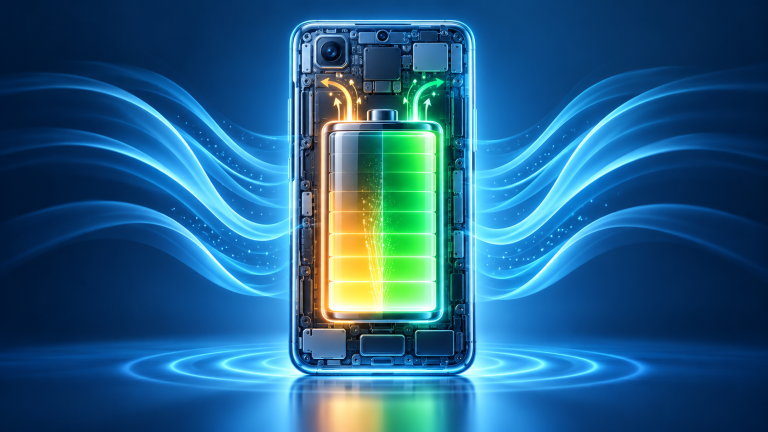
Modern flagship smartphones cost upwards of $1,000, yet after just 18 to 24 months of heavy usage, many users discover their device barely lasts until late afternoon. While all lithium-ion batteries naturally lose chemical capacity over time, poor charging habits and thermal stress accelerate battery degradation dramatically. By understanding the underlying physics of lithium cells, you can easily double the functional lifespan of your device’s battery.
The Physics of Lithium-Ion Stress: The 20% to 80% Rule
Lithium-ion cells experience the greatest mechanical and chemical strain at the extreme ends of their state of charge:
- The 0% Danger Zone: When a lithium cell drops below 10–15%, internal copper shunt formation can occur, permanently damaging the battery’s ability to hold charge safely.
- The 100% Saturation Zone: Above 80% charge, chemical voltage stress peaks. Leaving your phone plugged in overnight at 100% maintains high voltage and parasitic reactions that degrade cathode materials.
- The Ideal Plateau: Keeping your battery between 20% and 80% operates within the cell’s lowest internal resistance window, enabling hundreds of additional full charge cycles before reaching 80% health.
Heat: The #1 Silent Battery Destroyer
While high voltage causes gradual aging, excessive heat accelerates cell degradation exponentially. The chemical reaction rate roughly doubles with every 10°C (18°F) rise in temperature:
- Avoid Fast Charging in Direct Sunlight: High-wattage fast charging (30W to 100W+) generates substantial internal heat. Never fast-charge your phone on a hot car dashboard or under a pillow.
- Remove Thick Cases During Intense Gaming or Rapid Charging: Heavy rubberized cases insulate the device, preventing heat from dissipating through the aluminum or glass chassis.
- Wireless Charging Trade-Offs: Inductive wireless charging produces significant ambient heat due to coil alignment inefficiencies. Whenever possible, prioritize wired charging for long-term cell preservation.
Configuring Native Battery Protection Settings
Both Apple and Google have built automated battery preservation tools directly into modern operating systems:
- iPhone (iOS 17 & 18): Navigate to Settings → Battery → Battery Health & Charging. On iPhone 15 and newer, select the strict 80% Limit toggle. On older models, keep Optimized Battery Charging enabled.
- Samsung Galaxy (One UI): Go to Settings → Battery → Battery Protection. Select Maximum (stops charging at 80%) or Adaptive.
- Google Pixel: Enable Adaptive Charging under Battery settings, which holds your charge at 80% overnight and finishes the final 20% right before your morning alarm rings.